Legacy protocols still ON
SMBv1, NTLMv1, WPAD — names that appear in every WannaCry / NotPetya post-mortem.
networkA free open-source desktop app that explains every Windows 11 security setting in plain English, applies them with one click, and undoes everything if you change your mind. Built on top of CIS Benchmark, Microsoft Security Baseline and ANSSI recommendations.
Not opinion. Microsoft keeps these settings off for backwards compatibility. Windows 11 Hardening flips them, explains why, and lets you undo any of them individually.
SMBv1, NTLMv1, WPAD — names that appear in every WannaCry / NotPetya post-mortem.
networkAdvertising ID, Bing in Start menu, diagnostic data feeding Microsoft every day.
privacyOffice still trusts macros from Internet-downloaded documents by default.
phishingA single phishing email can leak your domain password through cached credentials.
credsMicrosoft's own Attack Surface Reduction rules exist — and are disabled out of the box.
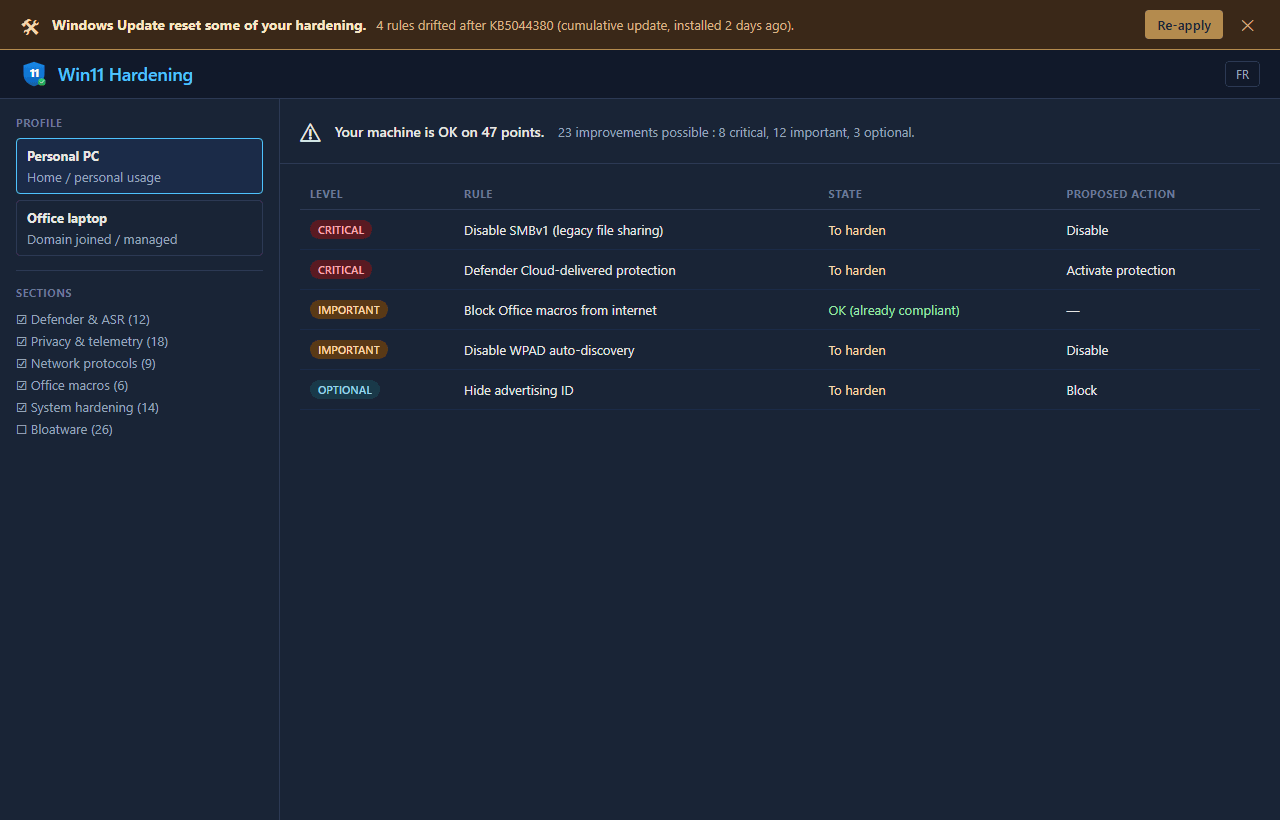
defenderCumulative updates silently re-enable settings. No other tool tells you when this happens.
uniqueOne-click direct download of harden-gui.exe (12.6 MB). SHA256 published next to each release. Reproducible from source with go build.
No installation. No service. No registry touched until you click Apply. Delete the file = uninstalled.
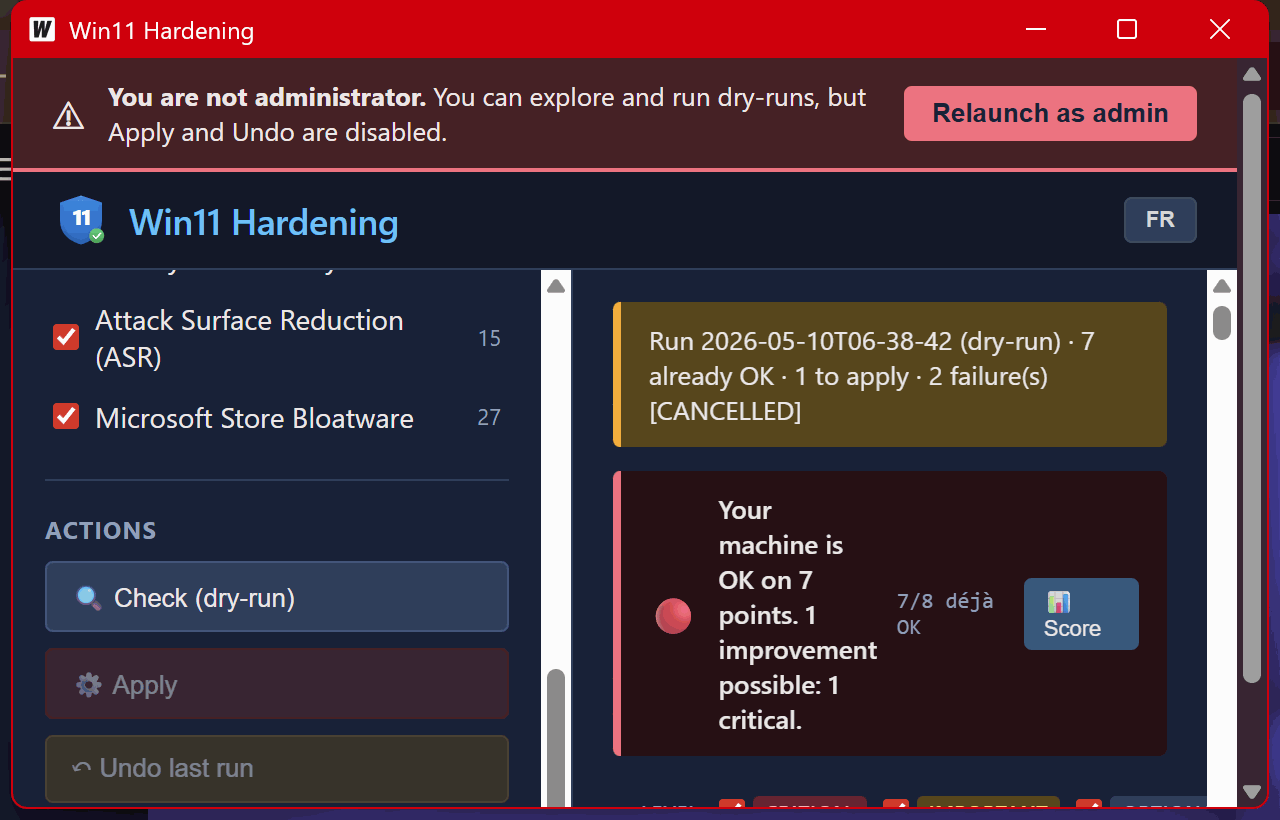
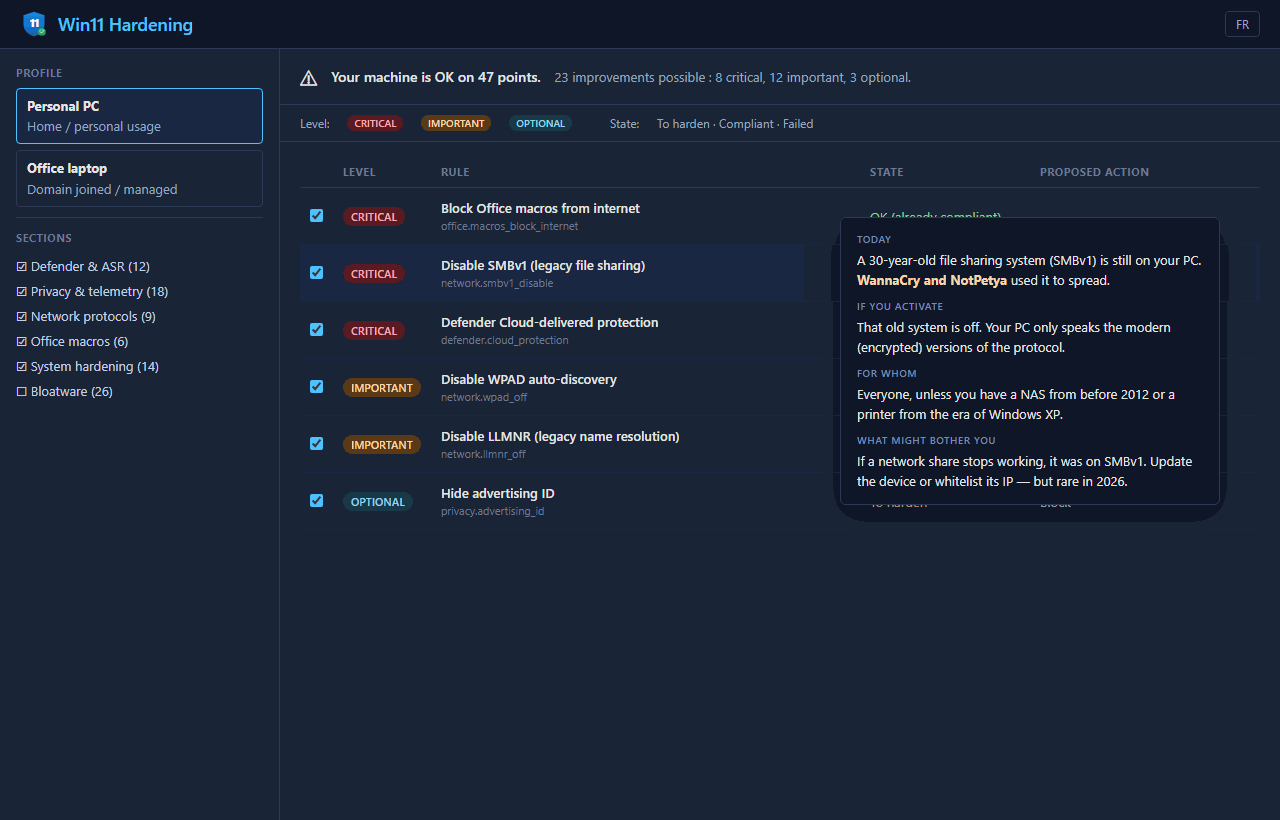
See what's wrong, hover for plain-English explanations, click Apply. Roll back any rule anytime.
The GUI shows every rule with a plain-English explanation. Hover for context. Click Apply. Roll back any rule from the sidebar. No registry keys, no PowerShell, nothing to memorize.
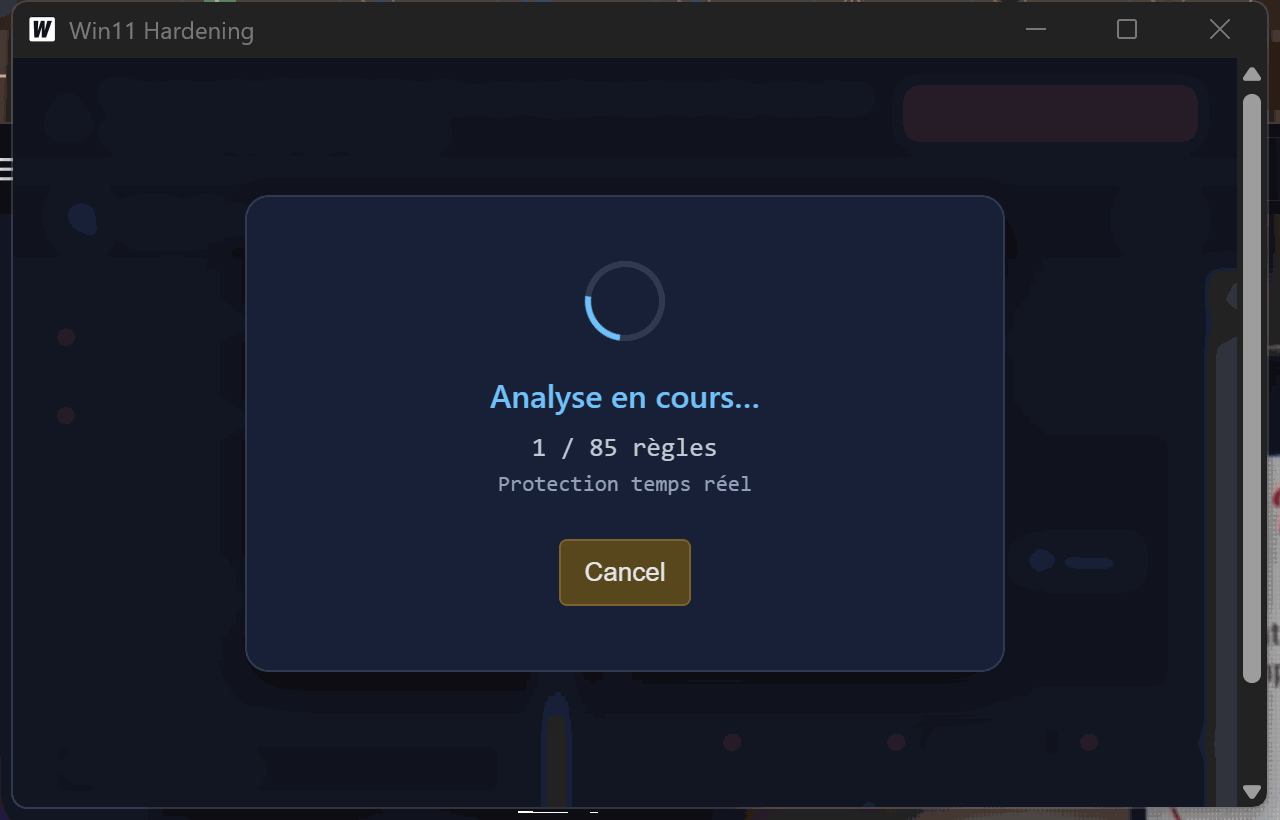
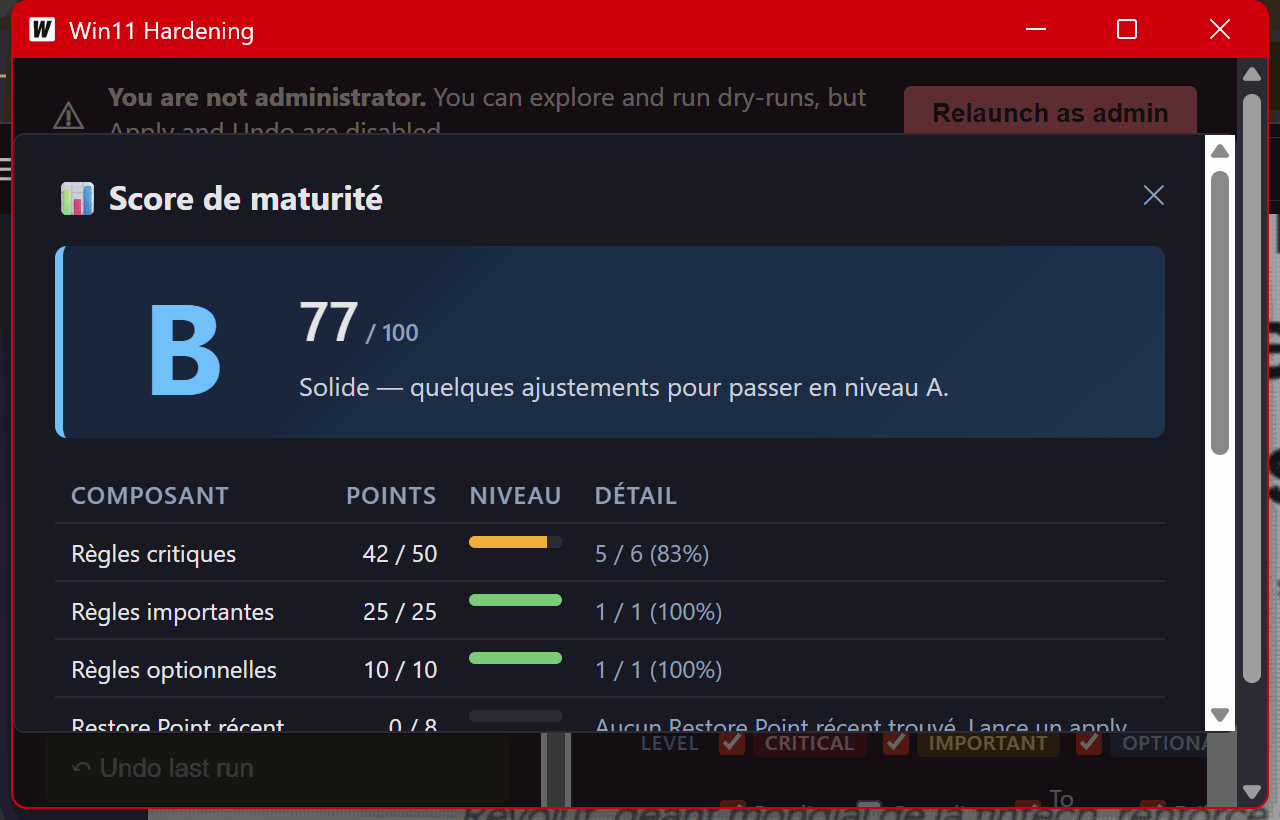
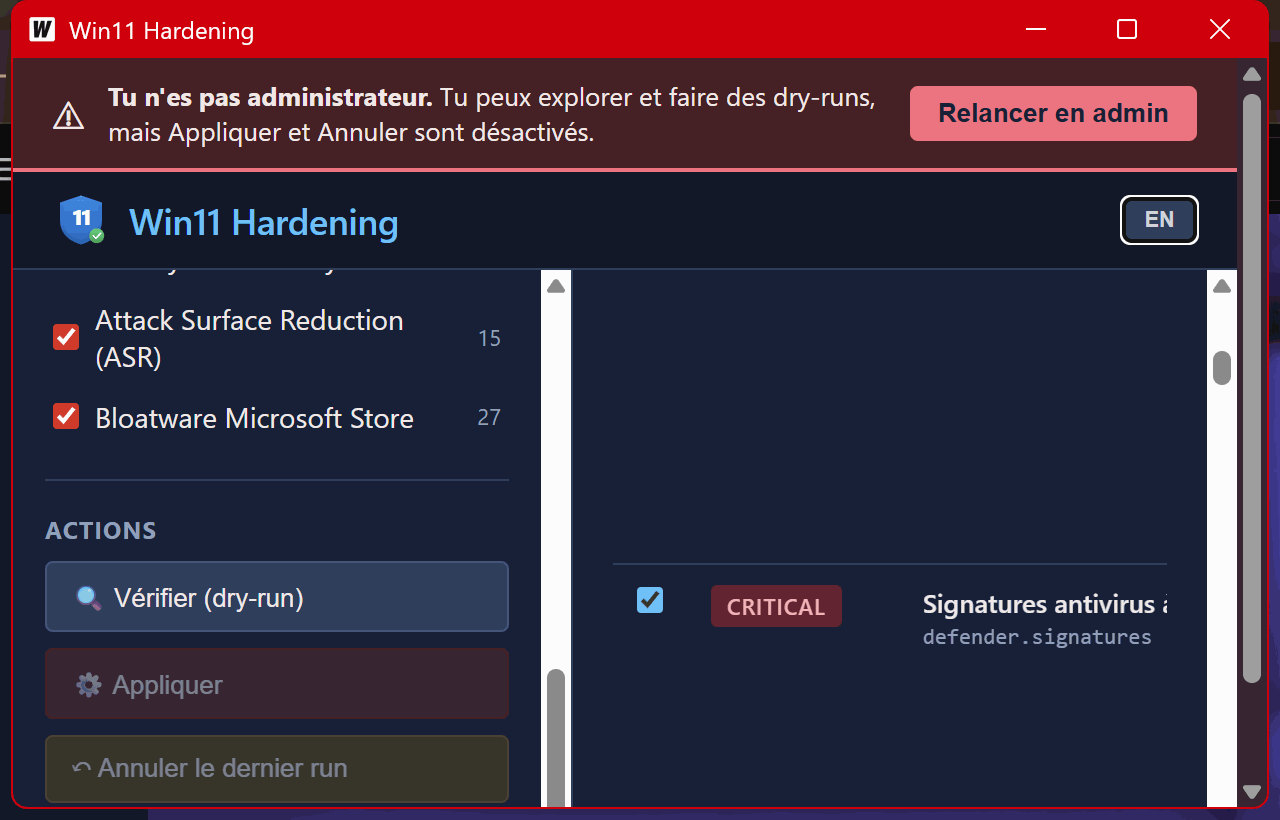
Most hardening tools fire and forget. This one is paranoid about your machine — by design.
Laptop? Hibernation stays on. Corporate domain? We don't rename Administrator. Rules detect their environment.
Active RDP session? We refuse to disable RDP. Active SMBv1 share? We refuse to kill SMBv1.
Created automatically before any apply. One-click revert from Windows itself if everything goes south.
25+ critical settings captured before and after. You see exactly what changed, with diffs.
If a setting didn't actually take effect — automatic rollback. No silent partial states.
The app monitors logs for 24h. If Defender, SMB or printers start complaining, you see a banner.
There are great tools out there. Most cover part of the surface — privacy or enterprise hardening, GUI or CLI. Windows 11 Hardening tries to combine plain-English UX with enterprise-grade coverage.
| Feature | O&O ShutUp10++ | Privatezilla | Chris Titus WinUtil | MS Security Baseline | Windows 11 Hardening |
|---|---|---|---|---|---|
| Plain-English per-rule explanation | ⚠ | ⚠ | ✕ | ✕ | ✓ |
| Defender + Firewall + ASR coverage | ✕ | ✕ | ⚠ | ✓ | ✓ |
| Reversible per individual rule | ⚠ | ⚠ | ⚠ | ✕ | ✓ |
| Auto Restore Point before apply | ✓ | ✕ | ⚠ | ✕ | ✓ |
| Post-apply re-test + auto rollback | ✕ | ✕ | ✕ | ✕ | ✓ |
| Detects Windows Update drift | ✕ | ✕ | ✕ | ✕ | ✓ |
| Mapped to CIS / ANSSI / MS | ✕ | ✕ | ✕ | MS only | ✓ |
| Open source | freeware | ✓ | ✓ | ⚠ | ✓ |
| Locale | EN/DE | EN/DE/RU | EN | EN | EN / FR |
Every rule maps to a published baseline. You can verify each one against the source document.
Free. Open source. 100% local. Reversible. WTFPL — do whatever you want with it.